Changelog
New updates and product improvements
ClickHouse Engine & Sheets
Icelake now runs on ClickHouse, and the first feature built on it is Sheets — the easiest way yet to bring your own data in and work with it.
A faster engine. Metrics, logs, geo data and your uploads moved from Apache Iceberg + DuckDB to ClickHouse, a columnar, vectorized, open-source analytics engine on European S3-backed storage. On a single modest node it groups 41 million metric rows in about 0.3 seconds and builds a 30-day hourly chart in under 0.2 seconds.
- Automatic rollups — 10-minute, hourly and daily aggregates are maintained as data arrives; long-range queries use them automatically.
- Same interfaces — SQL over the PostgreSQL wire protocol, PromQL, LogQL, Grafana and AI MasterMind work as before, on the new engine.
- Read-only query role — every user-written query runs under a database role that can only read, on top of tenant isolation.
Sheets. Find it at the top of Insights:
- Load any CSV — files upload straight from your browser to storage, even multi-gigabyte ones. Delimiter, header and column types are detected for you; 122,000 rows import in about a second.
- A real spreadsheet — scroll smoothly through millions of rows, edit cells, add and delete rows.
- Every save is a version — open any earlier version, compare, and restore it with one click. Nothing is ever overwritten.
- Ask your Sheet anything — a chat panel next to the grid answers questions about your data with text, tables and charts. Drag the divider to make room.
- SQL included — each sheet is a table for the SQL Workbench, Visualizations and AI MasterMind.
Better AI answers everywhere. MasterMind now sees complete small query results and the actual values behind every chart it draws, so it is far less likely to invent values. Charts gained legends, one line per category for grouped data, smarter time axes, and room for 2,000 points — enough for a 4-second ECG strip at 500 Hz.
See the Sheets docs to get started.
MasterMind: Semantic Grounding & Pinned Context
AI MasterMind now finds the right dataset by meaning, not by guessing at metric names. Combined with a pre-send confirm step and per-message dataset chips, you have full visibility into what the LLM picks — and you can steer it.
- Semantic dataset retrieval — every chat embeds your question with Mistral
mistral-embedand ranks your described datasets by cosine similarity (pgvector + HNSW index). Multilingual: works the same in English and German. - Two-phase confirm flow — clicking Send now surfaces the candidate datasets MasterMind picked in a banner above the input. Approve, skip, cancel, or pin extras before the LLM runs.
- Pinned datasets — soft-constrain a conversation to specific datasets per session. The LLM prefers them and explains when it reaches outside.
- Dataset chips with tooltips — every assistant message renders chips for the datasets its SQL touched, with hover tooltips showing source and dataset descriptions.
- Hybrid Data Sets search — the same semantic + keyword pipeline now powers the Data Sets search box, so undescribed datasets remain discoverable.
- Sources as a first-class entity — sources carry a
descriptionand optionalllm_hint; both feed MasterMind’s catalog summary. Edit them on the Data In → Sources panel. - Persisted chat segments — saved conversations replay in the same chronological order they streamed, so historical chats look identical to live ones.
- Wide-format multi-metric charts — when you ask for two metrics on one chart (e.g. temperature and humidity), MasterMind produces wide-format SQL with
FILTERclauses so each metric becomes its own series.
Typical conversations now resolve in 4–6 tool rounds instead of 15+. Add even a one-line description to your busiest sources to see the biggest gains.
MQTT Ingestion with TTN LoRaWAN
Icelake now supports native MQTT ingestion for IoT workloads. Connect MQTT brokers directly and ingest device telemetry into S3 without middleware.
- Generic JSON mode — Map arbitrary JSON payloads to metrics and logs with configurable field extraction
- TTN LoRaWAN auto-parsing — Automatic parsing of The Things Network uplink messages with device EUI, RSSI, SNR, and payload fields
- Admin UI configuration — Add, edit, and remove MQTT sources from the Icelake admin dashboard
- Tenant isolation — MQTT sources are scoped to tenants with API key authentication
Configure MQTT sources in the admin dashboard under Data In → MQTT Sources.
AI MasterMind: Chat-Powered Analytics
AI MasterMind brings natural language analytics to Icelake. Ask questions about your data in plain English and get streaming charts, tables, and SQL queries in return.
- Two-phase design — LLM explores data with 5-row summaries, then presents full results to the frontend
- Multiple LLM providers — Anthropic (Claude) and Mistral support with configurable models
- Streaming responses — SSE-based streaming with real-time text, tool call indicators, and auto-rendered charts
- Save to visualization — Save any chart or table from a MasterMind conversation as a reusable visualization
- Token-efficient — Summarized tool results and compact system prompts keep costs low
Configure AI providers in the admin dashboard under Setup → AI Providers.
Full Admin Dashboard & Team Management
The Icelake Admin Dashboard provides a complete web interface for managing your data lakehouse. Built with React 19, TailwindCSS 4, and shadcn/ui.
- Data In — Manage API keys, configure MQTT sources, view protocol status cards
- Data Sets — Browse auto-discovered datasets with time-range charts and sample data
- Visualizations — Create and view saved visualizations with live SQL execution
- Dashboards — Compose visualizations into interactive dashboard layouts
- Team — Invite members via email, assign roles, manage access with Keycloak SSO
- AI Providers — Configure and test Anthropic and Mistral API keys
Access the dashboard at your Icelake instance URL. Authentication via Keycloak with PKCE.
AI Briefings: Automated Intelligence, Delivered
AI Briefings brings scheduled, automated AI analytics to Icelake. Set up recurring reports and get AI-generated insights delivered straight to your inbox — no manual queries, no dashboards to check.
- Scheduled execution — Run briefings every hour, 6 hours, 12 hours, daily, or weekly
- Configurable time windows — Analyze the last hour, day, week, or month of data per run
- Email delivery — HTML-formatted reports with charts, tables, and summaries sent to multiple recipients
- From chat to briefing — Save any AI MasterMind conversation as a recurring automated briefing
- Run on demand — Trigger any briefing manually without waiting for the next schedule
- Custom AI models — Override the default LLM provider per briefing for specialized analysis
Manage briefings in the admin dashboard under Insights → Briefings.
Home Assistant Integration via HACS
Icelake now integrates with Home Assistant through a custom HACS component. Ship your smart home metrics to S3 via Prometheus remote write.
- HACS install — Add the Icelake repository to HACS and install with one click
- Configuration flow — Set up the integration entirely in the Home Assistant UI
- Entity filtering — Include or exclude specific entities, domains, or areas
- Metric naming — Consistent
ha_domain_objectidnaming convention for clean Grafana dashboards - Prometheus remote write — Standard remote write protocol for compatibility with existing tooling
Install from HACS and configure in Home Assistant → Settings → Integrations → Icelake.
API key authentication with SHA-256 hashing
Icelake now supports API key authentication with SHA-256 hashing for secure multi-tenant access. Each tenant can have multiple API keys with different access levels.
- API keys are hashed with SHA-256 before storage — plaintext keys are never persisted
- Keys are scoped to individual tenants for full isolation
- Revoke or rotate keys without affecting other tenants
- Authenticate with HTTP Basic auth (
client_id:ilk_…) on any ingestion or query endpoint
Create and manage API keys in the admin dashboard under Data In → API Keys.
Apache Iceberg + DuckDB for S3-native analytics
Icelake now uses Apache Iceberg as its open data format and DuckDB as its query engine, enabling true lakehouse analytics directly on S3-stored Parquet files. This replaces the previous file-based catalog with an open, portable table format.
- All metrics, logs, and traces are stored as Parquet files on S3-compatible storage
- Apache Iceberg manages snapshots and metadata for ACID transactions
- Query data with SQL via the pgwire protocol using any PostgreSQL client
- Background compaction automatically merges small files into optimized segments
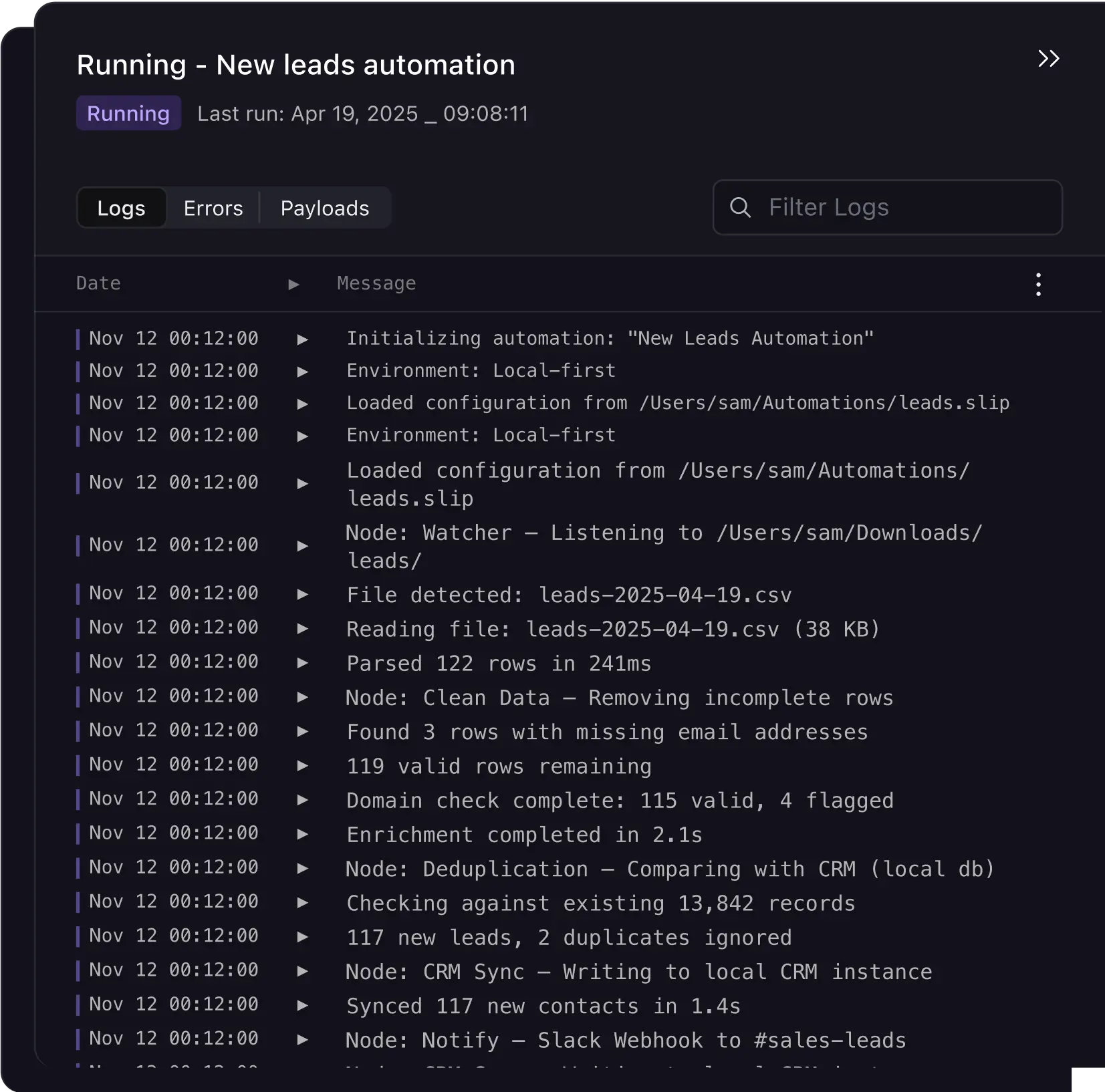
The Iceberg + DuckDB stack brings significant query performance improvements, with P99 latencies dropping below 5ms for most analytical queries — and your data stays open: any Iceberg-aware engine (DuckDB, Spark, Trino, …) can read it.
- Automatic schema evolution as new label dimensions are ingested
- Partition pruning based on time ranges and tenant isolation
- Concurrent readers and writers with snapshot isolation
- DuckDB extensions available for advanced analytics
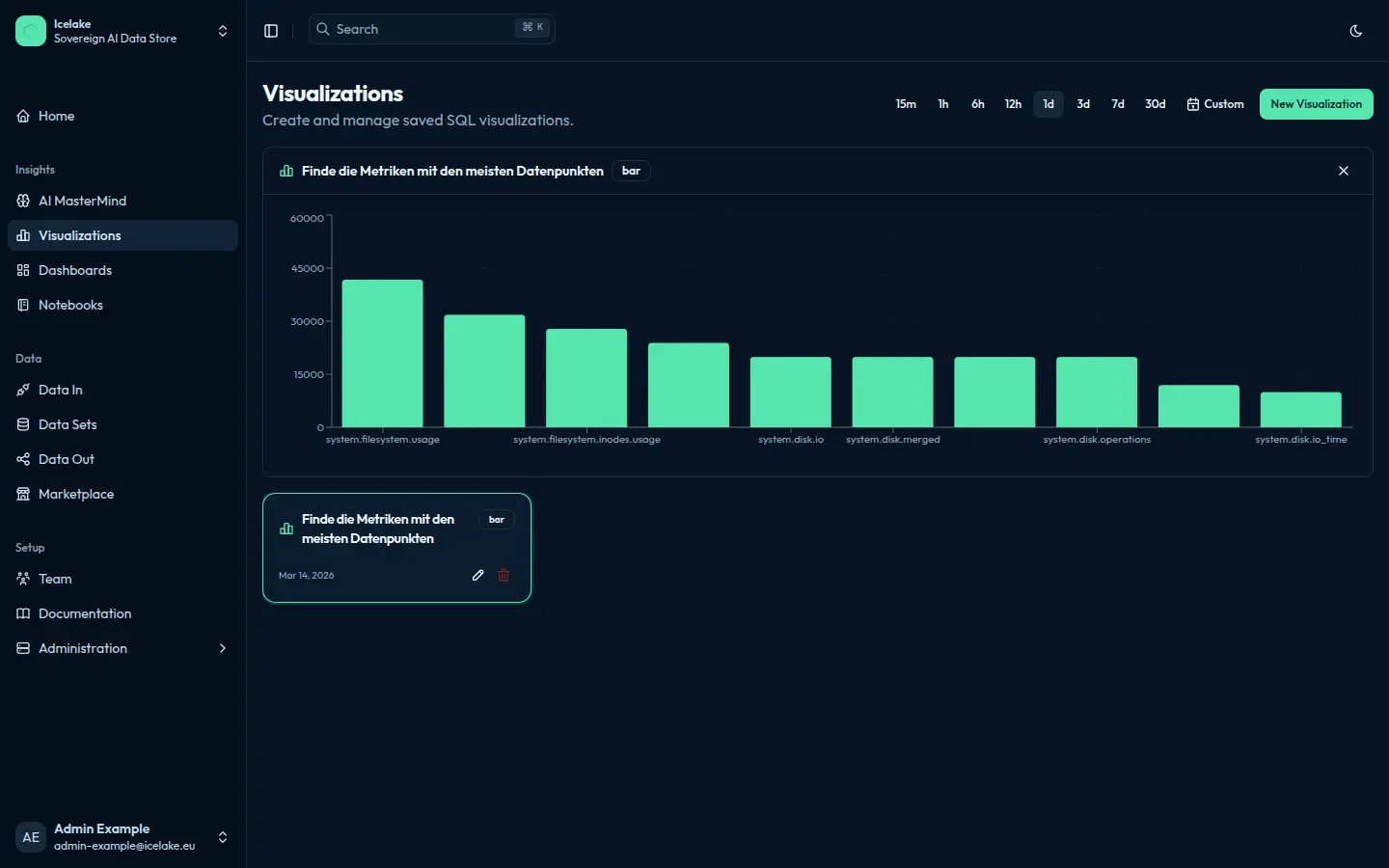
Live across every Icelake tenant — no configuration on your side.
OpenTelemetry OTLP protobuf ingestion support
Icelake now supports native OpenTelemetry OTLP protobuf ingestion for logs, metrics, and traces. Ship observability data from any OTel-instrumented application or collector.
- Ingest via
/v1/logsand/v1/metricsendpoints using OTLP protobuf format - Full compatibility with the OpenTelemetry Collector
otlphttpexporter - Automatic mapping of OTel resource attributes to Icelake labels
- Traces support via
/v1/tracesendpoint
Configure your OpenTelemetry Collector to export to Icelake with a simple exporter block pointing to your Icelake HTTP endpoint.
